
Microsoft Is Retiring SMS and Voice MFA: What Education & SLED IT Teams Need to Know
Share this post
Author
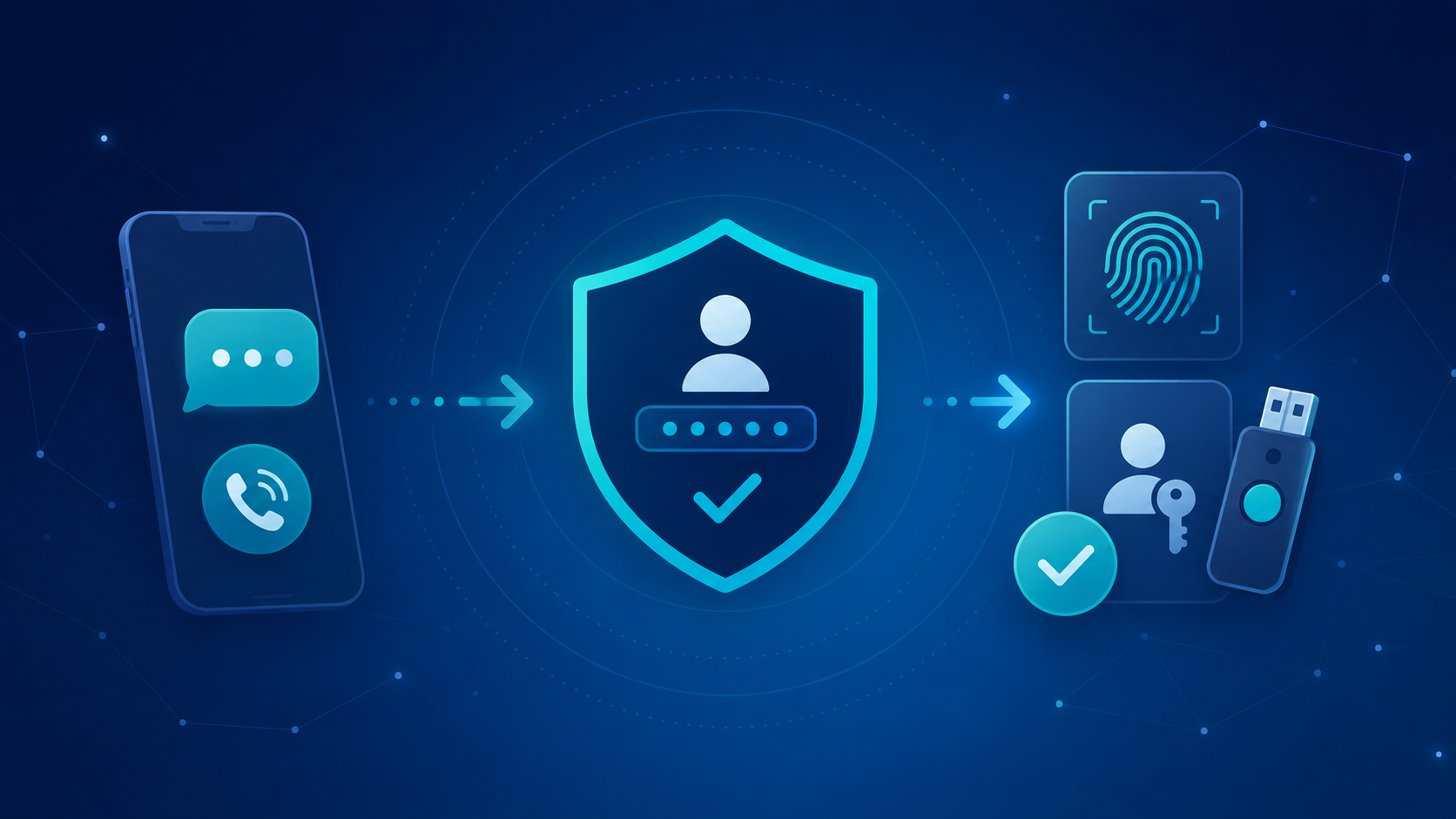
Microsoft is making a major change to authentication in Microsoft Entra ID: SMS and voice will no longer be the default path for MFA, and passkeys are becoming the preferred authentication method.
For K–12 districts, higher education institutions, and state and local government agencies, this means it is time to identify users still relying on SMS or voice MFA and start moving them to stronger, phishing-resistant authentication methods.
The good news? You have time to prepare. The important part is starting before Microsoft’s enforcement takes effect.
What’s Changing in Microsoft Entra ID?
Microsoft is phasing out its native SMS and voice authentication delivery and moving customers toward phishing-resistant methods such as passkeys, Windows Hello for Business, and FIDO2.
Here are the key dates:
- September 1, 2026: Users enabled for SMS or voice authentication will begin being automatically enabled for passkeys and prompted to register.
- February 1, 2027: Microsoft-provided SMS and voice delivery will be fully retired.
- After February 1, 2027: Users whose only available MFA method is SMS or voice will receive a blocking prompt requiring them to register a passkey before they can continue signing in. This enforcement cannot be disabled.
Organizations with a legitimate operational or regulatory need for SMS or voice will have the option to use customer-managed telecommunications providers through the Microsoft Security Store. Microsoft says additional information about those providers will be available September 18, 2026.
What Should Education and SLED IT Teams Do Now?
For organizations managing thousands of students, faculty, staff, employees, and contractors, the biggest challenge isn’t enabling passkeys. It’s knowing exactly who will be affected.
1. Find users still relying on SMS or voice MFA
Microsoft provides a PowerShell analyzer that can identify users and groups currently within the scope of SMS and voice authentication policies.
The Microsoft Entra SMS/Voice Policy Scanner checks your tenant’s authentication method policies, identifies included and excluded users and groups, and exports the results to a CSV.
Start by separating your results into two groups:
Users in scope: Everyone who is currently enabled for SMS or voice.
Active users: Users who are actually relying on SMS or voice for authentication and therefore represent the highest remediation priority.
This distinction matters. A user may still be technically in scope for SMS authentication while already using Microsoft Authenticator, Windows Hello, or another stronger method.
2. Prepare your Microsoft environment
Before asking thousands of users to change how they authenticate, make sure the environment is ready.
For many education and government organizations, that means:
- Enable passkeys/FIDO2 for the appropriate user groups.
- Confirm Windows Hello for Business is configured for managed Windows devices where appropriate.
- Enable Temporary Access Pass (TAP) as a recovery option to reduce help-desk lockouts during rollout.
- Identify departments or user groups with a legitimate operational or regulatory need for SMS or voice.
The goal isn’t simply to replace one MFA method with another. It’s to build an authentication strategy that is more secure, easier to manage, and less dependent on help-desk intervention.
3. Don’t wait for Microsoft’s default rollout
Microsoft’s automatic passkey enablement begins September 1, 2026. But education and SLED organizations don’t have to wait for users to encounter the change on their own.
A better approach is to pilot first, then scale.
Start with a small group of 20–30 users. Validate the registration experience, identify device or policy issues, and work through the support questions your help desk is likely to receive.
From there, expand the rollout in manageable groups.
Microsoft also provides a temporary opt-out mechanism that organizations can use while completing their transition.
4. Communicate before users are prompted
A passkey rollout is an identity project, but it’s also a communication project.
Give users advance notice that their MFA experience is changing. A simple three-stage approach works well:
Awareness: Explain what’s changing and why.
Action: Tell users exactly what they need to do to register their new authentication method.
Reminder: Follow up with users who haven’t completed registration.
Microsoft provides end-user communication templates that organizations can adapt for their own rollout.
For K–12 districts and higher education institutions, targeted communication is especially important. Students, faculty, staff, contractors, and administrators may have very different devices, workflows, and support needs.
Track Progress Before the Deadline
Don’t wait until January 2027 to find out who hasn’t migrated.
Use the Entra authentication methods reporting and periodic scans of your tenant to track progress over time. A simple dashboard can show:
In scope → Actively remediating → Migrated → Remaining
The goal is straightforward: by February 1, 2027, users should be using a phishing-resistant authentication method such as a passkey, Windows Hello for Business, or FIDO2—or have an approved alternative in place.
A Simple Timeline for IT Teams
Now: Identify users affected by the SMS and voice retirement.
Now: Enable and test passkeys, Windows Hello for Business, and recovery options.
Before September 1: Pilot the registration experience and begin user communications.
September–December 2026: Roll out passkeys, monitor registration, and follow up with users who haven’t completed the transition.
Fall 2026: Evaluate whether any users have a legitimate need for customer-managed SMS or voice.
January 2027: Complete final remediation and address remaining exceptions.
February 1, 2027: Microsoft-provided SMS and voice authentication delivery is retired.
Don’t Let MFA Changes Become a Help Desk Problem
Microsoft’s move away from SMS and voice is ultimately a security improvement. Passkeys and other phishing-resistant authentication methods provide stronger protection against credential theft and phishing.
But for education and SLED IT teams, the transition needs to be managed carefully. Large user populations, shared devices, decentralized departments, legacy policies, and limited IT resources can turn a straightforward Microsoft change into a significant operational project.
The first step is knowing who is affected.
Forsyte helps education and public-sector organizations assess, optimize, and manage their Microsoft security environments—so your team can spend less time navigating complexity and more time focusing on your mission.
We make security easy.
Ready to make security easy?
Find out where your organization stands. Our free security assessment gives you a clear picture of your current posture and a roadmap for what comes next.