
Preparing Your IT Environment for the Holidays: A Guardian 365 Checklist
Share this post
Author
Thanksgiving and winter break change how your organization operates. Faculty and staff travel, students finish their terms, contractors complete assignments, and the personnel typically tasked with security and maintenance may be away from their desks. Your pre-holiday checklists should reflect this reality and ensure your team is prepared for a period when attackers can take advantage of reduced staffing and holiday distractions.
Here are a few high-level recommendations from the Guardian 365 team to help you get ready.
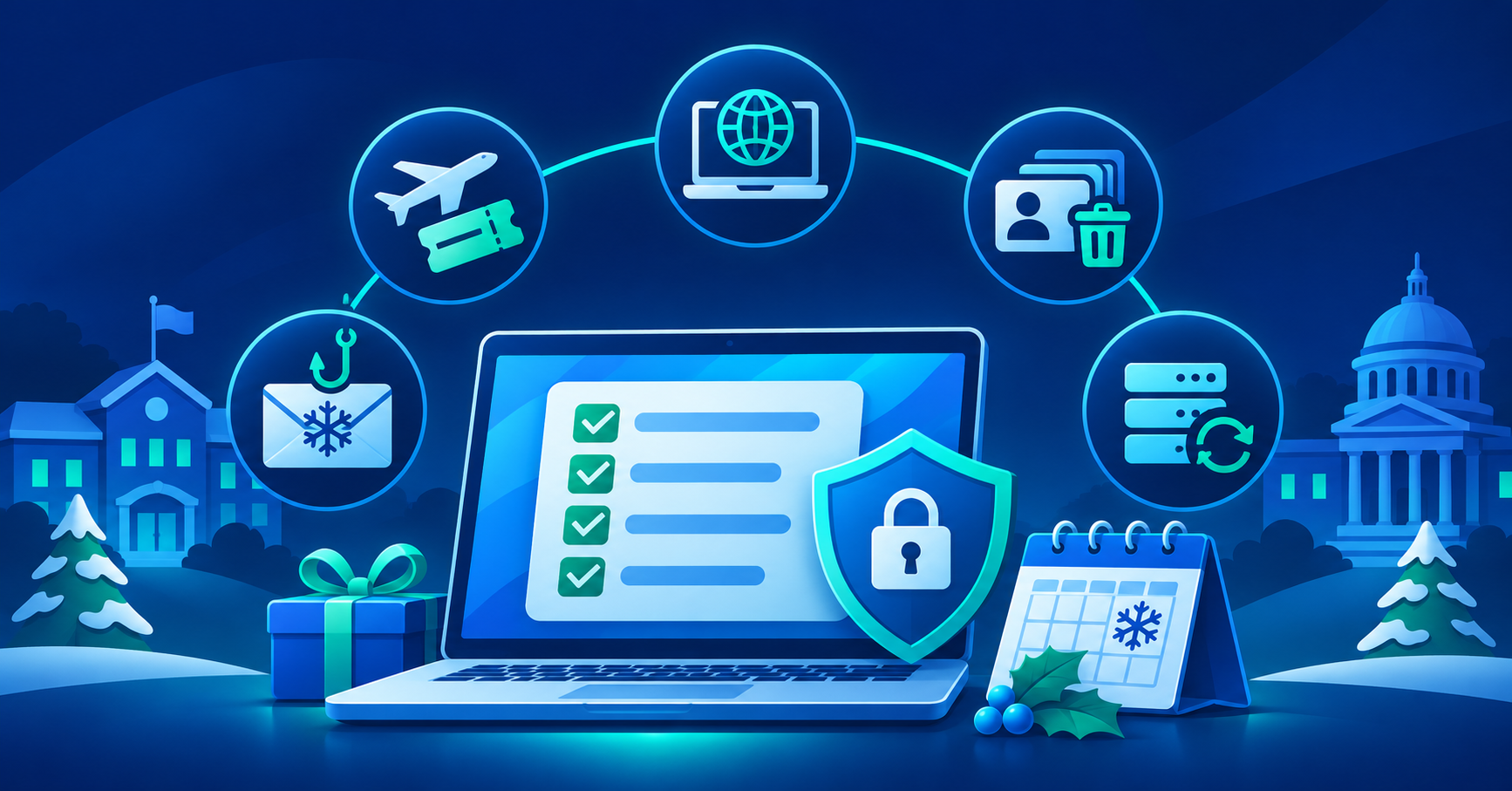
The bottom line: Check travel exceptions, GeoNet enforcement, and accounts that no longer need access. Give users specific examples of seasonal scams, and confirm critical sensor health and recovery readiness. Keep your Guardian 365 team informed of changes to contacts and permitted response actions.
Refresh Your VPN and Travel Exception Groups
Start with the groups used for approved international travel, virtual private network (VPN) access, and geographic-policy exclusions. Review both the members and the policies that reference each group.
Remove expired exceptions. Give each legitimate exception an owner and an expiration. Where your licensing and group configuration support it, use time-bound Microsoft Entra Privileged Identity Management (PIM) membership; otherwise, assign the removal task before granting access to ensure exceptions do not outlive their intended use.
A travel exception should bypass only the geographic restriction the traveler needs to bypass. Keep the applicable multifactor authentication (MFA), device, and risk controls in place. Test the required apps and approved VPN before departure, including whether the user can complete MFA on the device they will carry.
Verify That GeoNet Policies Are Deployed and Tuned
Our August GeoNet guidance covered international-traveler exceptions. Before break, take the next step: confirm the intended policies exist in your tenant, cover the right people and applications, and have the intended enforcement state.
For location-based Conditional Access policies, check the assigned users and groups, excluded groups, named locations, and policy state. Report-only mode is a testing stage; it does not enforce that policy’s block control. Review the report-only results and sign-in logs, test representative users, and move approved policies into enforcement through your normal change process.
Tune for your actual operating model. A university with international students, researchers, and study-abroad programs needs a different approach from an organization whose staff work in a few locations. Document the treatment of permanent overseas users, unmapped locations, and approved travel.
Before changing enforcement, validate your protected emergency-access path and rollback procedure. Afterward, check that legitimate travelers can work and that sign-ins the policy is meant to block receive the expected result. Geographic controls complement strong authentication, device controls, and monitoring; they do not replace them.
Give Users Specific Holiday Threat Tactics to Recognize
“Be careful with email” leaves too much to interpretation. Send a short reminder with examples users are likely to recognize. These examples draw on recurring seasonal themes, Guardian 365 investigations, and public threat reporting.
| Lure | What to tell users |
| Package delivery, missed shipment, or a small redelivery fee | Open the carrier’s known website or app directly. Don’t enter payment or account details through an unexpected text or email. |
| Holiday discounts, gift cards, charitable giving, or an urgent request from a leader | Independently verify the request. Never send gift-card codes because someone claims to be your manager or an executive. |
| Year-end bonus, payroll correction, benefits enrollment, or a shared HR document | Open your usual HR or payroll portal. Verify unexpected changes with a known contact, especially changes to bank details. |
| Financial aid, student jobs, grading, or a semester-end account warning | Treat these as campus-specific training examples. Use the institution’s normal portal or published support channel to verify the request. |
| An unexpected Microsoft sign-in, QR code, device code, or app-permission request | Stop if you did not initiate the action. A familiar Microsoft page does not establish that the request is legitimate. |
Prepare for the Fake Help-Desk Scam
Our October issue highlighted mail bombing followed by fake IT support. Remind users that a flood of messages, a Teams call, or a familiar voice can be part of the same social-engineering attempt.
Have users end unexpected support conversations and contact IT through a known directory number or service portal. Do not let urgency replace identity verification. Help-desk staff should follow your established verification procedure before resetting passwords, registering a new MFA method, or granting remote access.
Finish Semester-End Deprovisioning
Reconcile your approved departure list with HR, student information, departmental sponsors, and contractor records to ensure that identities no longer requiring access to your systems are fully deprovisioned. Prioritize accounts that still hold privileged roles or paid licenses.
Where available, lastSuccessfulSignInDateTime is more useful for actual account use than a timestamp that also includes failed sign-in attempts. Correlate it with business ownership and other activity. A holiday, a research schedule, or a noninteractive workload can explain a quiet account. Document and separately protect legitimate service and emergency-access accounts. Microsoft inactive-account guidance.
Removing a license is not the same as removing access. For accounts confirmed to no longer need access, block sign-in, revoke sessions, and remove unneeded privileges through your approved offboarding process. Preserve required data and transfer ownership before deleting accounts or reclaiming licenses. For synchronized identities, make changes at the authoritative source and verify the result in connected services.
Check Patch Status, Sensor Health, and Expiring Credentials
Review internet-facing VPNs, firewalls, remote-access systems, identity infrastructure, and endpoints against applicable vendor updates and known critical vulnerabilities with verified exploits. Prioritize relevant exploited vulnerabilities for patching before the holiday break where feasible.
Confirm that Defender sensors and log collectors are reporting, investigate unexplained gaps, and check certificates or application credentials due to expire during the break. For each item, assign an owner and a completion check. Keep an emergency-change path available during any planned change freeze or holiday blackout period!
Prove You Can Recover and Reach a Decision-Maker
If feasible, perform a representative test restore of a critical application or system before the break. Confirm that backups are protected from the production environment, that recovery credentials are available to authorized responders, and that the team knows what to restore first. CISA and the FBI recommend offline encrypted backups, regular testing, and identified on-call personnel for holidays and weekends.
For a school or campus, also walk through the operational consequences of losing identity, the student information system, phones, or access to essential records. Keep the critical contact and continuity instructions accessible if email or the network is unavailable.
Keep Guardian 365 in the Loop
Before the last staffed day, notify your Guardian 365 team of any changes to your contact preferences, permitted SOC actions, escalation call tree, or any other operational adjustments for the holidays. On behalf of the entire Guardian 365 team, we thank you for your continued partnership and wish you and yours a wonderful holiday season.
Not a Guardian 365 Customer Yet?
You don’t have to sort through every checklist on your own. A free security assessment gives you a clear picture of where your Microsoft 365 environment stands today and what to prioritize first.
Guardian 365 provides 24×7×365 managed security operations built around the Microsoft security ecosystem you already own, so your team gets expert eyes on threats without building a full security operation in-house.
We make security easy.
Ready to make security easy?
Find out where your organization stands. Our free security assessment gives you a clear picture of your current posture and a roadmap for what comes next.