
QuartzLine Malware: A PDF Viewer That Works — and Hides a Backdoor. Here’s What Education and Government IT Teams Should Do
Share this post
Author
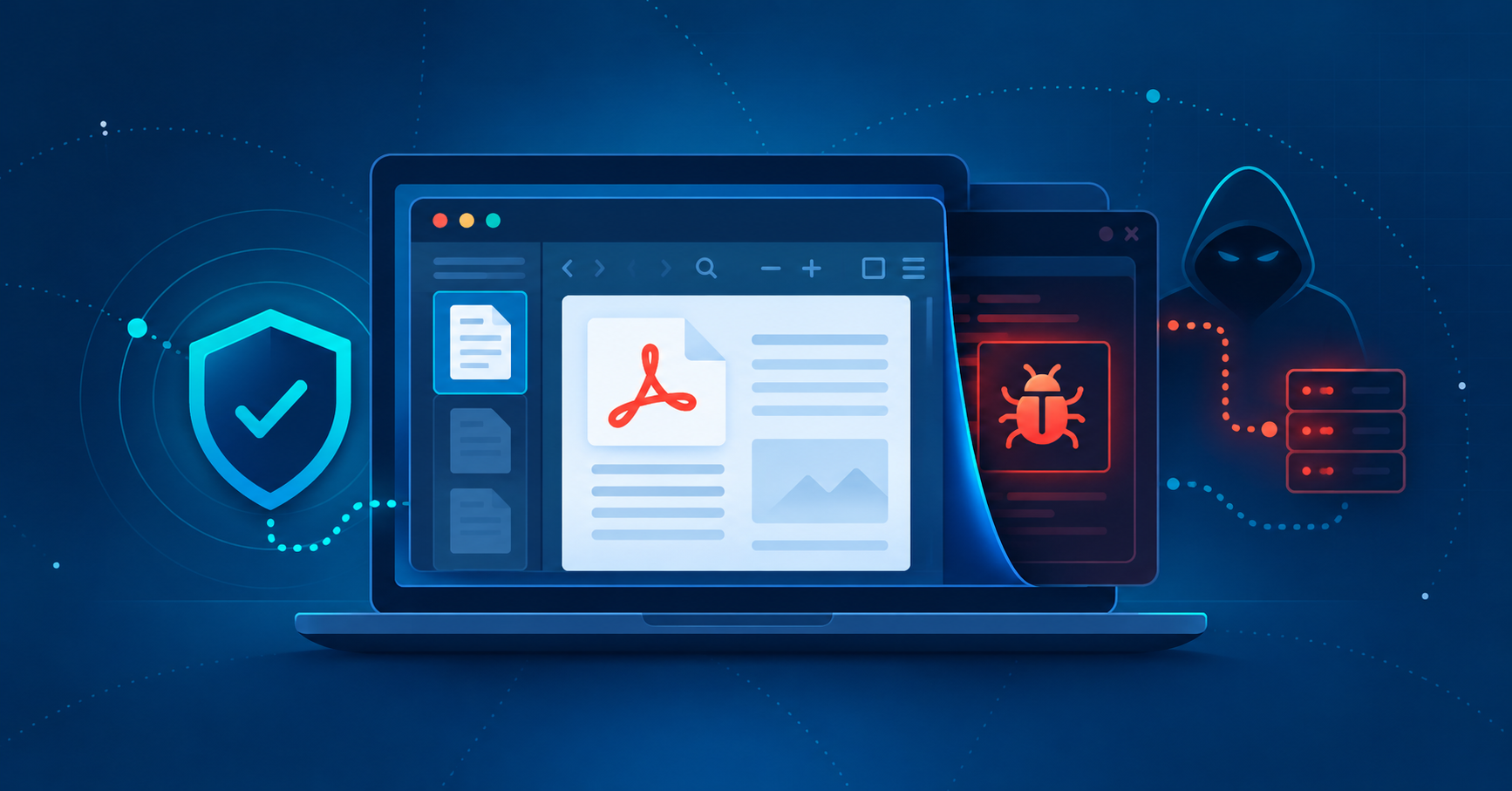
On October 15, 2026, security firm Expel published research on QuartzLine, malware packaged as a fully functioning Windows PDF viewer. Its investigation describes a backdoor capable of running commands and installing additional malware, with scheduled tasks used to keep it running. In one documented incident, investigators also observed browser-history collection and a later remote access trojan (RAT). Read the public research.
A small, helpful-looking utility is exactly the kind of software that gets installed in a hurry — on a faculty laptop, a lab machine, or a district office PC — without a second thought. That is why this one is worth a closer look.
One important note: these are findings from Expel’s investigation. They don’t establish what happened on any particular device in your environment. What they do give us is a good reason to revisit the endpoint and identity protections that matter most.
The bottom line: Don’t let a familiar-looking app decide your investigation. Look at where it came from, what launched it, and what happened next — and use this moment to tighten the controls around software installation.
What Guardian 365 Is Doing Right Now
Our SOC is running proactive hunts across all Guardian 365 customers using every validated indicator of compromise (IOC) associated with QuartzLine. When we identify impacted endpoints and identities, we respond.
Those responses cover both the endpoint and the risk to the identities tied to it, including potential exposure of credentials or sessions. We look at endpoint findings and identity risk together, because one rarely tells the whole story without the other.
We’re also continuing to validate IOCs and assess whether customers need additional recommendations. If the investigation calls for more, we’ll tell you.
Start With Behavior and Evidence
A familiar application name is useful context, but it shouldn’t decide the investigation. Ask where the software came from, what launched it, and what happened after it ran.
A code-signing certificate needs context, too. Microsoft cautions that signing alone doesn’t guarantee an application is safe, and its application-control guidance explains why a policy based only on signed software can leave gaps.
In Microsoft Defender for Endpoint, use the device timeline and related alerts to reconstruct the sequence of events. Review process relationships alongside network activity, then compare what you find with your approved software inventory.
Microsoft’s application-control guidance
Microsoft’s device-investigation guidance
Look for What Brings the Software Back
Persistence simply means a program has a way to run again. Windows Task Scheduler has legitimate scheduling functions, but attackers can abuse them for recurring execution, as documented in MITRE ATT&CK’s Scheduled Task technique.
When the evidence points that way, reviewing scheduled tasks belongs in the investigation. Look at each task’s executable, arguments, trigger, and associated user, and correlate them with the process timeline. Don’t assume every task with an unfamiliar name is malicious — or that tasks with legitimate-sounding names are safe.
A good investigation explains what ran and what could launch it again. We recommend preserving suspicious task definitions before changing them, recording why they’re considered malicious, and addressing confirmed persistence as part of an approved cleanup plan.
MITRE ATT&CK: Scheduled Task (T1053.005)
Contain the Device and Preserve Evidence
When evidence supports a suspected active compromise, follow your incident procedure for containment. Microsoft Defender for Endpoint offers response actions including Isolate device, Collect investigation package, and Run antivirus scan. Availability depends on your subscription, operating system, device state, and permissions, and the Action center shows the result of any action you submit.
Decide what evidence to preserve alongside containment, before any destructive cleanup. Don’t delay an urgent containment action while trying to collect everything — preserve what you can safely obtain, note any gaps, and agree on the next step. Defender for Endpoint device timeline data is retained for 180 days by default.
At a minimum, cleanup of QuartzLine-impacted devices should include:
- Confirmed malicious components and persistence addressed
- Required recovery work completed
- Follow-up monitoring
If remediation is inconclusive, or the initial compromise involved privileged operations on the host such as task scheduling and remote access, Guardian 365 recommends endpoint isolation followed by a complete reimage where possible.
Don’t Forget Identity Risk
Endpoint and identity investigations should inform each other. Assess which accounts were used on the device and whether the evidence creates a credible risk to their credentials or sessions.
Where access revocation is needed, use your agreed account-containment procedure. Microsoft’s emergency access-revocation guidance explains that revoking Microsoft Entra ID sessions doesn’t necessarily end every application’s own session right away. Review application-specific access and take containment actions in your non-Entra ID systems as needed.
Microsoft: Revoke user access in Microsoft Entra ID
Reduce the Chance of Another Unwanted Installation
Use the investigation to review the controls around how software gets installed. Give users a clear route to the tools they need and an easy way to report an unexpected installer. Then focus on a few Microsoft controls your team can validate:
- Review application control. Evaluate App Control for Business against your approved software and update processes, and test any proposed policy before enforcing it so required applications keep working.
- Review Attack Surface Reduction (ASR) rules. One relevant rule is “Block executable files from running unless they meet a prevalence, age, or trusted list criterion.” Cloud-delivered protection is a dependency, so it requires a well-configured Defender Antivirus policy. Check compatibility and exclusions before deployment.
- Verify endpoint coverage. Make sure every managed device is onboarded to Defender for Endpoint and shows a healthy sensor, Defender Antivirus, and data reporting. Your Guardian 365 team shares metrics on these health indicators on your customer dashboard.
These are recommendations for layered protection. No single setting is a guarantee against QuartzLine or similar threats.
Turn Findings Into Posture Improvement
Your Guardian 365 team can help connect investigation findings to a practical hardening plan. If you received communications from our SOC about QuartzLine and want to take specific steps toward device hardening, software restrictions, and a smaller attack surface, we can help with that.
To talk through how Guardian 365 can help you investigate suspicious software and put the right protections in place, reach out to your account team.
Not a Guardian 365 Customer Yet?
You don’t have to sort through every advisory on your own. A free security assessment gives you a clear picture of where your Microsoft 365 environment stands today and what to prioritize first.
Guardian 365 provides 24×7×365 managed security operations built around the Microsoft security ecosystem you already own, so your team gets expert eyes on threats without building a full security operation in-house.
We make security easy.
Ready to make security easy?
Find out where your organization stands. Our free security assessment gives you a clear picture of your current posture and a roadmap for what comes next.